


Hoagie
-
Compteur de contenus
66 -
Inscription
-
Dernière visite
-
Jours gagnés
1
Messages posté(e)s par Hoagie
-
-
7 minutes ago, legolas119 said:
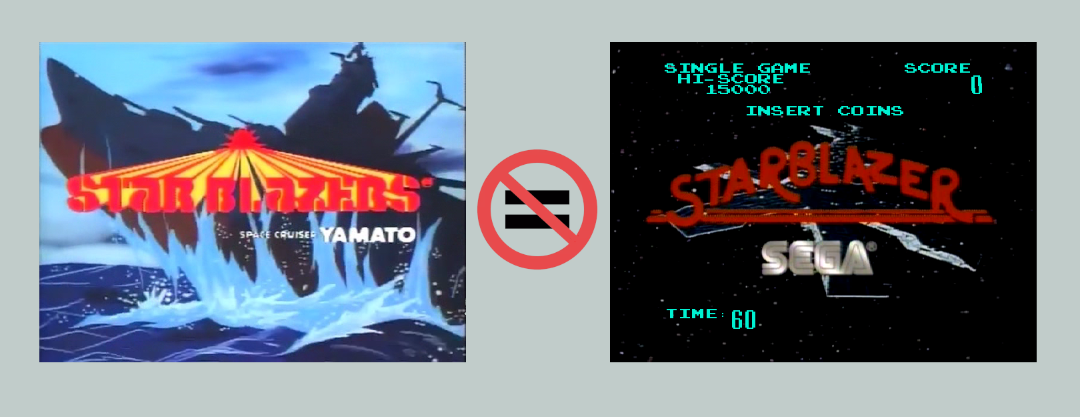
ah! so, StarBlazer (sega) and Galaxy Ranger are the same game!? For this reason in Daphne as you can see in my previous print, the 2 games share the same settings page!
So, Daphne probably doesn't support Star Blazer "non sega version", right?
Every given example of making the game work has used Hypseus as the answer.
If you don't want to use Hypseus, and want to continue using Daphne, then fine. But stop asking the same question over and over, you have seen for yourself it doesn't work in Daphne.
Go do some research if you don't know Hypseus.
0 -
19 hours ago, legolas119 said:
start daphne.exe blazer vldp -framefile D:\EMULATORI\Daphne\vldp\starblazers\fai.txt -blank_searches -min_seek_delay 1000 -seek_frames_per_ms 20 -homedir D:\EMULATORI\Daphne -bank 0 00000000 -bank 1 00000000 -sound_buffer 2048 -fullscreen -x 640 -y 480
Why?
Please can you help me?
 0
0 -
Lol, where are the "I hate 4:3 " brigade when you need them.
2 -
14 hours ago, GodElite said:
No, it was not. Neither was the treasure icons on the screen. Neither the HD AI upscale video. These are called "nice to have"

Oh, I didn't realize you were paying Max to fulfill a "spec sheet" of requests for you.
Still, it'll be "nice to have" that $1000 at the end for @Max0011, for this work.
2 -
3 hours ago, GodElite said:
I would put the treasure icons more close to each other and apply a slight transparency. That way it won't be that distracting from the main video.
Amazing work @Max0011, have to disagree with GodElite though, the treasure item layout looks perfect in the video.
1 -
1 hour ago, Gigi71 said:
where i could get the correct ogg file for this version?
Thanks in advance
https://archive.org/download/singev1-hayate/hypseus_singe_hayate.zip/hayate%2Fhayate.ogg
1 -
Can we get this as a Zip ROM please ?
1 -
The original conversion source was a PAL (25FPS) CDROM video source I believe, back in 2011. It was horrible quality, but it set the precedent for the game LUA. Unfortunately RDG is no longer around to ask.
Thank you @HVG, the transfer is marvelous, if we can fix the frames, it would be a perfect transfer.
0 -
-
On 9/7/2025 at 4:28 PM, CharlieChan said:
Better yet, now use the new Zip ROM format in v2.11.6 and you can put the files anywhere you like and don't have to worry about those Framework folders any longer..
I see most for the distributed stuff is now in the "Zip ROM" format. Makes singe style games a breeze
 to install now. I'm going back through these games since shifting to 2.11.6.
1
to install now. I'm going back through these games since shifting to 2.11.6.
1 -
1 hour ago, kreator said:
But when i prase it in Daphne, the colors die 😞 The Luma ( i this it's the name) and coloration goes wrong...
I haven't used Daphne for a long time, but they look great in Hypseus.
2 -
4 hours ago, kreator said:
Hi xxOToTOxx, i was looiking for the proto to use with Hypseus. I found it in I. A. i converted from LDF -> TBC -> MKV+PCM -> M2V + OGG. It works, but in this point it works, but when i try to play there's no order in scenes. May be a wrong DAT file or TXT or Bat. Could you share me yours, please? Thanks in advance!!!!!
I found these:
https://archive.org/details/DomesDay_DragonsLairLE
https://archive.org/details/DomesDay_SpaceAce
They have the framefile in the download.
3 -
On 8/18/2025 at 5:32 PM, Nit3H8wk said:
I am curious to see how well this works and if it's worth doing road blasters again to see if it can keep the original frame rate. https://github.com/k4yt3x/video2x-qt6?tab=readme-ov-file
Indeed, that would be an interesting exercise. 👍
0 -
This was a huge 60Gb+ download. it will have fallen well outside the free MEGA storage tier, so LizardKing had been carrying the cost for 5 years on this share.
Thanks ❤️LizardKing❤️ - this was a fantastic contribution, for those who have it.
1 -
13 minutes ago, guglielmo.di.luca said:
I mean at the minutes 4:30 of the second video. But besides this the problem remains: if I can't view the white bars in video, how can I maintain the car away from them?
Then maybe this isn't a game for you 🤣
0 -
2 hours ago, guglielmo.di.luca said:
Hi guys,
someone please can tell me bat syntax in order to change the position, the blending and the size of an hud/overlay in hypseus?
Which are the commands?
-blend_hud ? -overlay_position ? -overlay_size ?
Something like this? Thanks
All commands are in the docs:
https://github.com/DirtBagXon/hypseus-singe/blob/master/doc/Bezels.mdhttps://github.com/DirtBagXon/hypseus-singe/blob/master/doc/CmdLine.md
0 -
2 hours ago, guglielmo.di.luca said:
Thanks Nosoucy and thanks Hoagie.
For Hoagie:
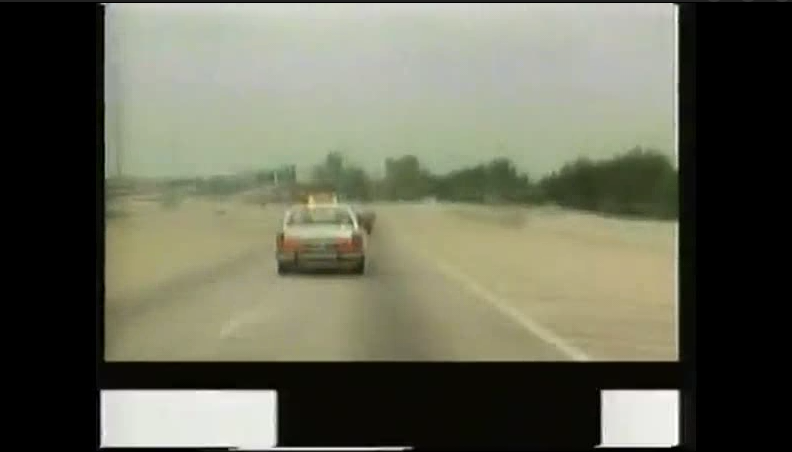
exactly: the flashing block is for hit detection: you are supposed to maintain the car car in the black block between the flashes so that the counter in the upper left doesn't diminish (or diminish as little as possible). And in the end of the vhs (so to speak) wins (against yourself or others) who maintains the counter as nearest as possible at 100 (it a decremental counter not incremental, unlike of most the totality of games).
After this premise the problem is this: in order to do so I MUST VIEW the flashes to maintain the car in the middle: it's part of the game in order to -play well- (so to speak) or otherwise it's like playing Thayer's quest without the buttons: you simply don't know what you are doing or what you have to do.
There is a way to view or put back the entire screen pixel footage while gaming?
Show me when you see the flashing bars on the real game ?
Look pretty invisible to me (excluding the angles to show them deliberately):
0 -
On 8/13/2025 at 7:09 AM, guglielmo.di.luca said:
Hi Nosoucy, this adaption of videodriver in hypseus, has the original flashing block at the bottom of the screen? I only see the fullscreen video (without the black bar with the occasional flashes on the bottom) and the car with the brake icon. Is supposed to work without flashes? And to change the car sprite, I have to do that manually in the zip file? Thanks for the work
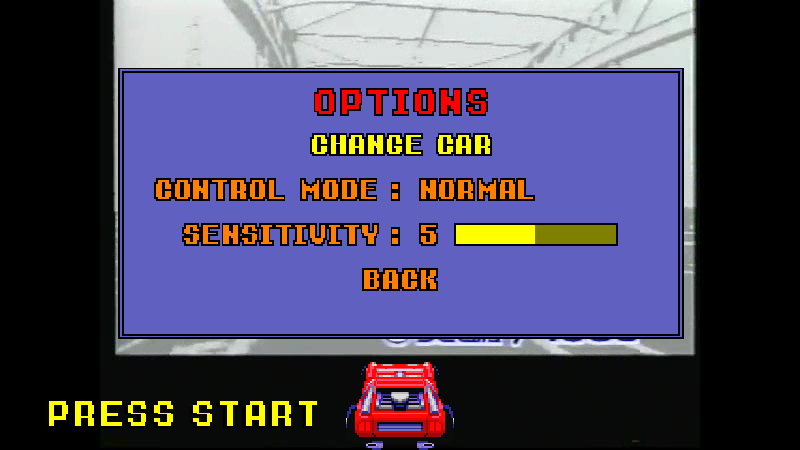
Press 9 to get the Service Menu where you can change car:
The flashing block is in the video and used for crash detection as per the original game, view them in VLC you can see.
You just don't see them in the game as they are cleverly hidden.
1 -
On 8/11/2025 at 4:48 PM, bucksoverfame said:
Does anyone have a pack ready for Hyperspin they can upload?
I know Hyperspin Attraction has an extensive set: https://discord.gg/Vh5F5y9353
0 -
2 hours ago, soso92 said:
Where i can find another game like this one ?? Mad Dag McCree
☝️1
0 -
19 hours ago, Johno said:
Sorry for the noob question but is there a full up to date list of all supported Games Please and is there one place to Download the Games from
Beware there is "fan" written schlop and "shovelware" out there.
You have all the Daphne Games + Stern's Goal to Go with many improvements in other games - see the DLP site for ROM's and info.
Refer to the Hypseus GitHub pages (below) for the list of LUA based games, they are mostly sanity checked and exclude the schlop.
https://github.com/DirtBagXon/hypseus_singe_data
Also, there is a great Hypseus Discord server full of info.
2 -
22 minutes ago, Gtguy said:
How the heck do you get video in correct aspect ratio to fit within bezel with the widescreen scaled bezel for sinden and then have the cursor line up properly? what command line are you guys using?
0 -
On 5/14/2025 at 12:41 AM, FP125 said:
I think you are getting the wrong end of the stick. I've not dissed anybody's work at all, I appreciate it, but had a question over it.
You are not gonna get an answer on why it is the way it is, I don't think. It seemed to work best at the time of writing, is probably the best answer.
Apologies if that was your real question, I just get a real grumpy old git when everyone is asking - "Can you make? ", "Here's an idea for a game" and "Will you fix..." when they have no intention of contributing anything themselves
2 -
2 hours ago, FP125 said:
On the mega link, DLe, loads and plays fine.
However the skeleton to Dirk respawn scene appears in-between every level, it's not like this in other versions or the arcade, wondering why here?
Pressing 9 gives options and you can select in graphic options, extra movies, - ready or none. Switching to none turns the scenes off in-between levels, but it then doesn't show the respawn sequence at all when you die?
An error or a deliberate change due to loading the scenes?
Is there a similar version with available options that plays similar to the arcade, but in HD quality like here?
Many thanks
If you want the Arcade version, then FFS sake play the Arcade version via the arcade ROM emulation - 'lair' or get arcade+ with 'dle21'
If you want HD video find LizardKing's video for the Daphne emulations game. It's the best there is.If you don't like Karis' version but wanna play LUA simulation, then change it - theses games are all created by fans.
Don't diss Karis's decisions if you can't be bothered to attempt learning and writing games yourself.
0
[Arcade PC] MAD DOG MCCREE 2 Restored (Laserdisc)
dans ARCADE PC DUMP LOADER
Posté(e)