


xtremebuga
-
Compteur de contenus
804 -
Inscription
-
Dernière visite
-
Jours gagnés
24
Messages posté(e)s par xtremebuga
-
-
1 hour ago, jcstahl1 said:
Probably shouldn't post a screenshot running on Fantasy server or use a guide from Todoroki without permission from the respective owners
I updated the game through their Discord server and didn't see any restrictions regarding that, but if it bothers you, I'll change it.
0 -

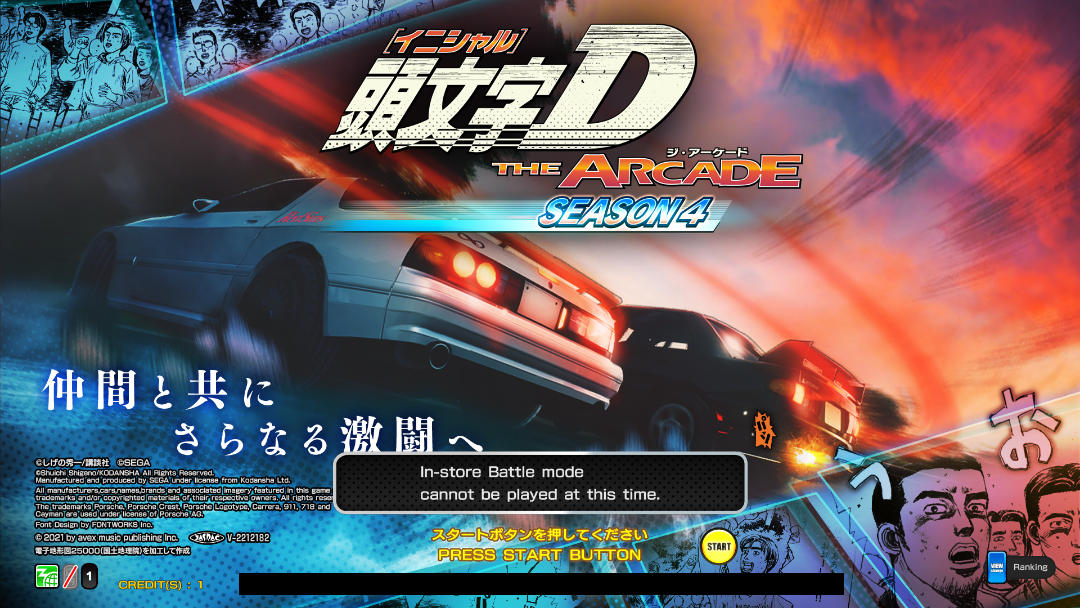
Hello everyone, I'm bringing you this tutorial so users can play these IDAC series games on their own server. This way, you won't be dependent on other people's servers and you can save your progress. If a tutorial for these games already exists, I apologize, but the intention is only to help this forum that has helped me so much. Let's go.
I will provide the IDAC Season 4 game, but the tutorial I'm providing here was made for IDAC Season 2. For Seasons 3 and 4, there's only a small change, which I will show later.
Game: https://pixeldrain.com/u/AHgnMX2a
After downloading the game, save it to a location of your choice and name it as you wish, but I recommend naming it IDACSeason4, and place the files from the link below in the folder:
...IDACSeason4\App\App\DAC\AMDaemon
https://www.mediafire.com/file/i9deatyelxcgsaw/idac.zip/file
Inside this same AMDaemon folder, you must create two more folders, named appdata and option, that's all.
Download this file and also place it in the "AMDaemon" folder:
https://www.mediafire.com/file/jpf5cu77ojjrqq2/amfs.rar/fileStill in the "AMDaemon" folder, open the segatools.ini file and enter the respective folder addresses. It will look like this:
[vfs]
; Insert the path to the game AMFS directory here (contains ICF1 and ICF2)
amfs=
; Insert the path to the game Option directory here (contains MVxx directories)
option=
; Create an empty directory somewhere and insert the path here.; This directory may be shared between multiple SEGA games.
; NOTE: This has nothing to do with Windows %APPDATA%.
appdata=
Just put the folder addresses.
Now follow the tutorial.
(I'll send you the tutorial privately. Just send me a message requesting it.)
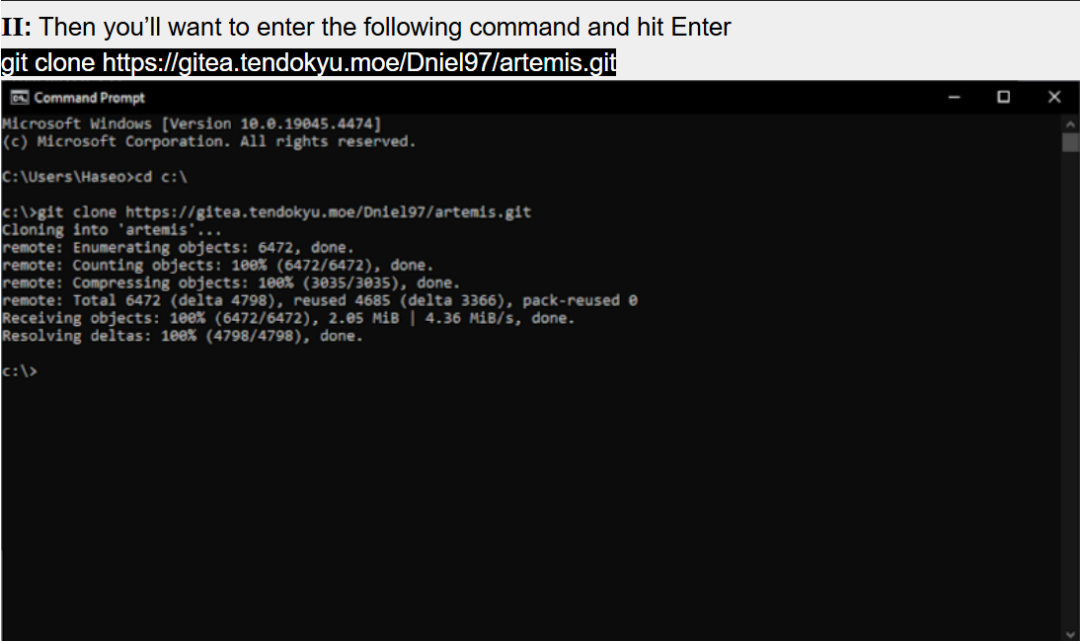
When you reach this part of the image below, you should change to this code:
git clone https://gitea.tendokyu.moe/puniru/artemis.git
Remember that the artemis folder, created with the tutorial, will be located in the 😄 directory.
If you did everything as instructed in the tutorial, you can now go to the artemis folder and run the run.bat file, or run both files, artemis.bat, in the artemis folder and go to the AMDaemon folder and run the start.bat file.
I hope this helps, and if you have any errors, just let me know here. I will wait for user responses here and then I will post a tutorial for us to play online, actually for users to help me with this because I haven't been able to yet, but it is possible to do it.
7 -
Thank you so much for responding. However, I have little knowledge of this, so could you help me figure out how to do this? Thank you in advance.
0 -
-
6 minutes ago, turtleshell64 said:
Any chance you could reupload this? Thanks in advance!
Try this.
https://www.mediafire.com/file/dntdveb5m6jvfj9/WMMT6R_UPDATE_2.0.rar/file
2 -
How to play in horizontal mode?
0 -
-
Hello everyone. How can I configure controls in this game? Thank you in advance.
0 -
Hello everyone, I apologize if I'm posting in the wrong place, but I would like to know if you know if there is a translation for this game. I'm playing it here but the dialogues and many of the menus are in Japonese.
Thank you very much in advance.
0 -
On 09/02/2024 at 05:29, Trisil disse:
i have the link
Where's the link?
0 -
CRAZY SPEED
dans SAV - Help
1 hour ago, Trisil said:i have three different versions of this game and Jconfig support all the versions
Can you upload them? So I can try adding this game to my Arcade.
0 -
CRAZY SPEED
dans SAV - Help
5 hours ago, eljose said:https://1fichier.com/?kz5cefae2gz4j4te4p46 try myv ersion of the game 😄 i have Nvidia GT 1050 take a llook
Hello friend. Thank you in advance for your help, but my game now has this graphic, I can't play it. Thank you anyway.
0 -
CRAZY SPEED
dans SAV - Help
3 hours ago, eljose said:do you use JCONFIG for the game ?
Yes. CrazySpeed_2024_01_28
0 -
CRAZY SPEED
dans SAV - Help
3 hours ago, eljose said:it gives me an error UNIDENTIFIED ID or something similar
i use the JCONFIG for this game next to 'client'.exe to launch the game but gives me error
EDIT: nah oproblem solved it was the .dll file, delete the post if you want 😄
This game looks like this here for me.
0 -
On 17/08/2023 at 01:20, musth86 said:
the link is not work, can you update link please?
I have this link, but I didn't upload it. But I tested it here and in principle everything is ok.
Only for version WMMT6
https://www.mediafire.com/file/lkxrklc76mcc5fs/WMMT6ENG.7z/file
0 -
14 hours ago, EvilRob said:
Hi does anyone have links for version 4.12?
Try this.
1 -
Ok Thanks.
0 -
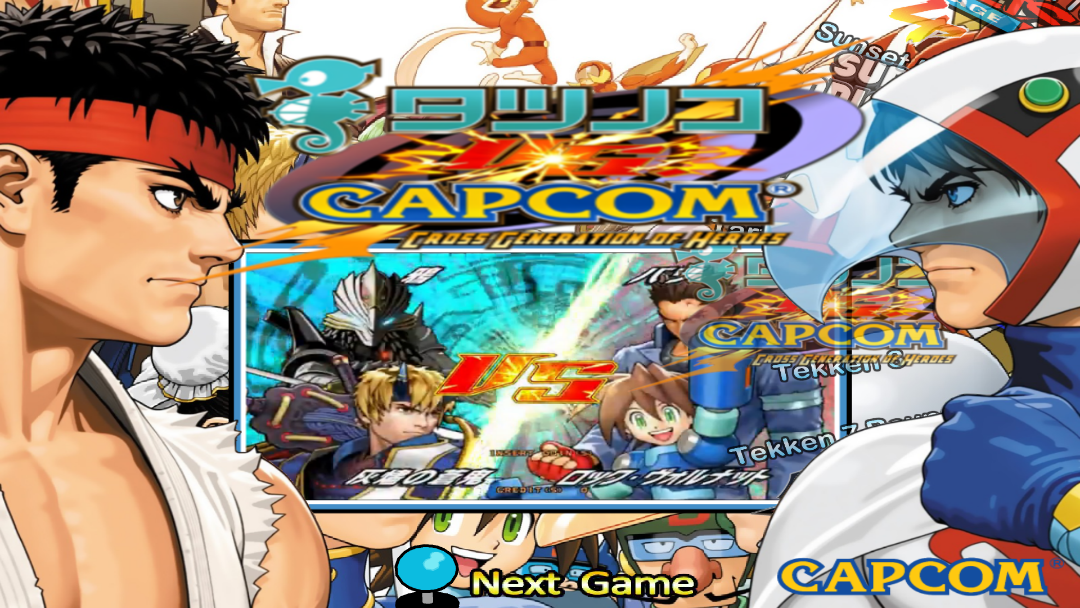
So, asked for help configuring my control with the game Tekken Unlimited Tag Tournament 2 on the RPCS3 emulator and I'm still waiting for approval from the moderators.
0 -
6 hours ago, Zen_B7 said:
The link I gave you, maybe they have more info for you there.
PM Private Message
Okay, I followed the instructions through the discord link, the game even tries to start, but it hangs because the server needs to be running, and in my case the server prompt screen opens and then closes. I installed all the necessary files but without success, anyway, thank you very much for your help.
0 -
4 hours ago, Zen_B7 said:
@xtremebuga Check your PM ?
Forgive my ignorance, what else to check?
0 -
On 16/10/2023 at 19:55, arcadeforty said:
if the user want to setup the game for the first time him can use the full guide at the attached
for the server to not start i am not expert and i see the user suggest to install the c++ runtime it is a mandatory operation
check this guide at step 3
xboost_single_instance_fresh_install_guide_v3.0.pdf 361.09 kB · 13 downloads
I followed the complete tutorial and the server still doesn't stay open, simply when running it it opens and closes. I installed all the necessary files and it doesn't work.
0 -
9 minutes ago, arcadeforty said:
this game cannot find the server.exe it must run the server.exe at all times and if this program does not run this is the error
Thank you very much for responding. You're right, here on my PC, I can't leave the server open, when I try to open server.exe, a prompt screen appears and then closes. Can you help me on how to open the server correctly? Thank you very much in advance.
0 -
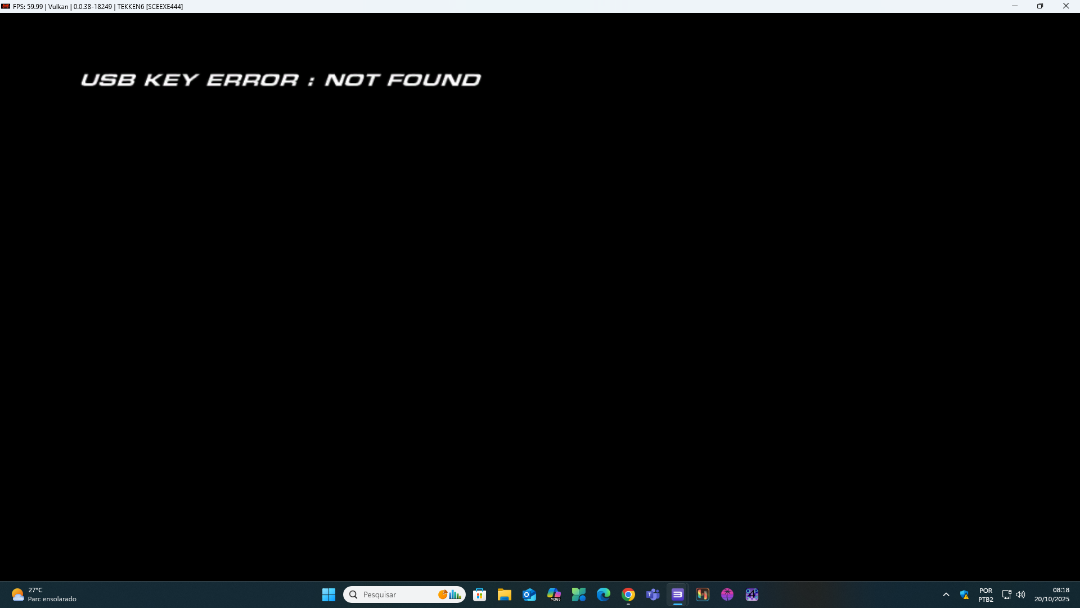
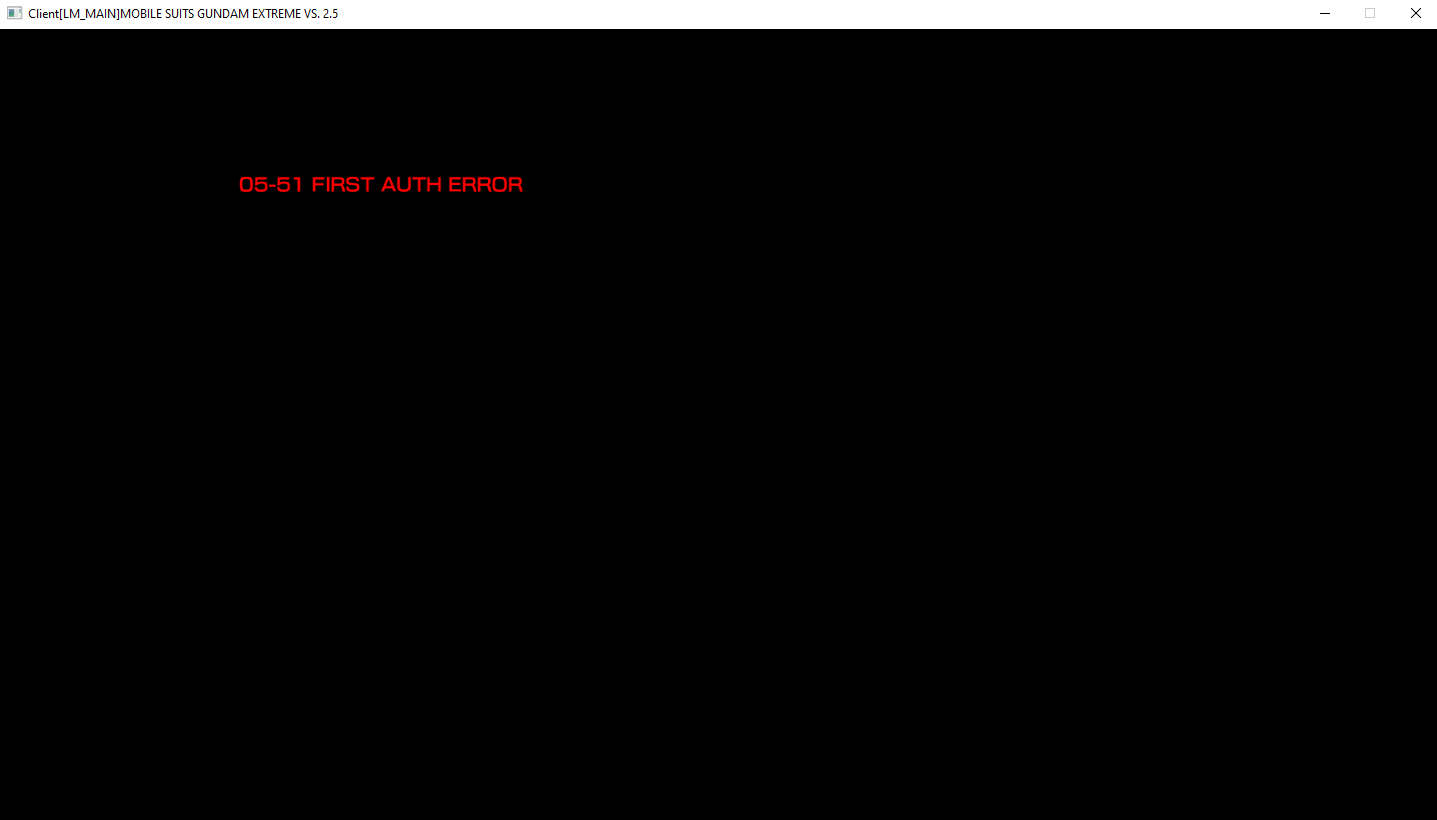
Hello everyone, when trying to open the game I am receiving this error message. Can someone help me?
0 -
13 minutes ago, kratos1883 said:
But excuse me Is playable only in tutorial this game...Is a cool game but at the Moment useless
I can't tell you, but I'm playing calmly here, facing enemies, until the screen closes completely or I kill the last enemy or the time runs out. I didn't know this game, so this is what I can tell you.
1
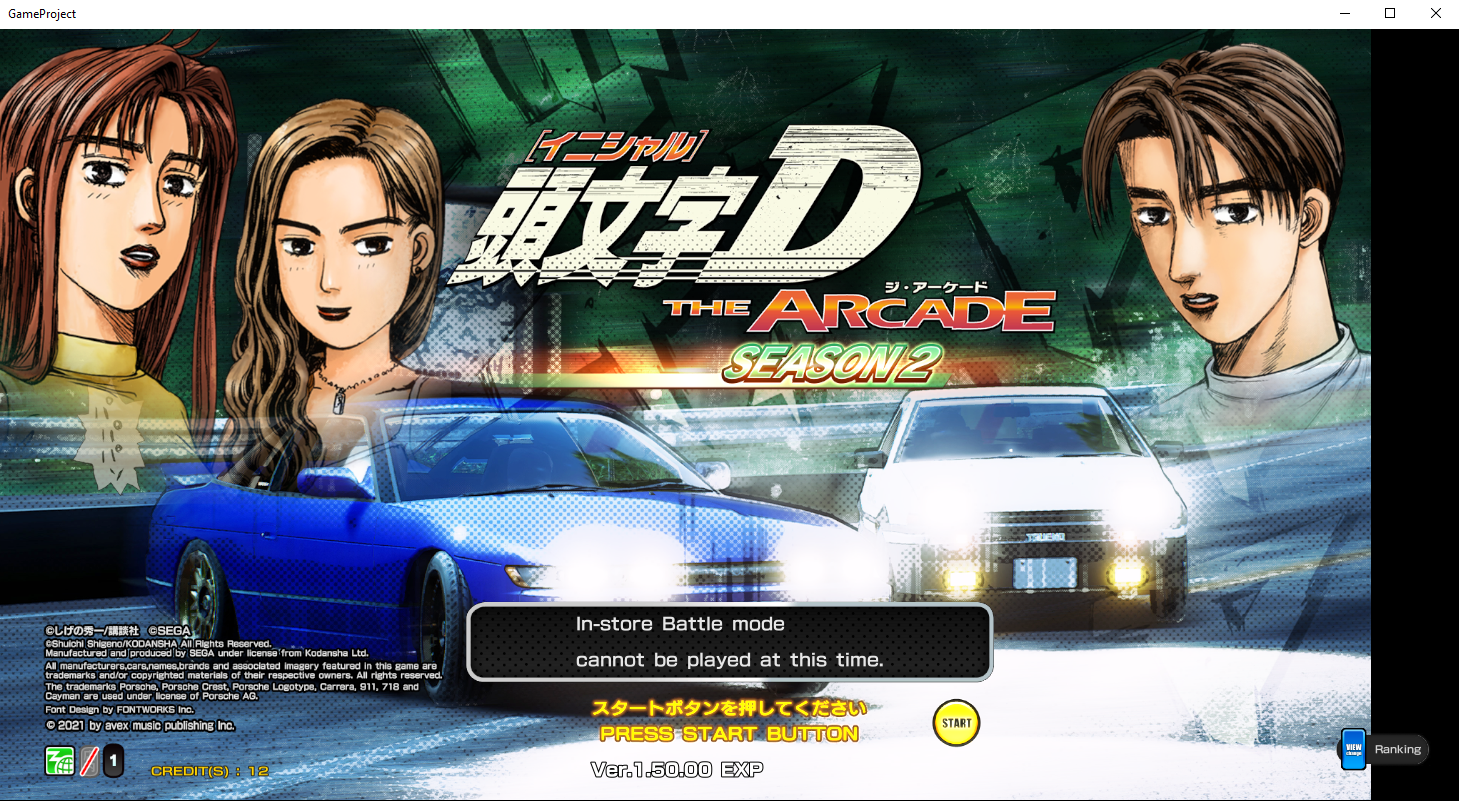
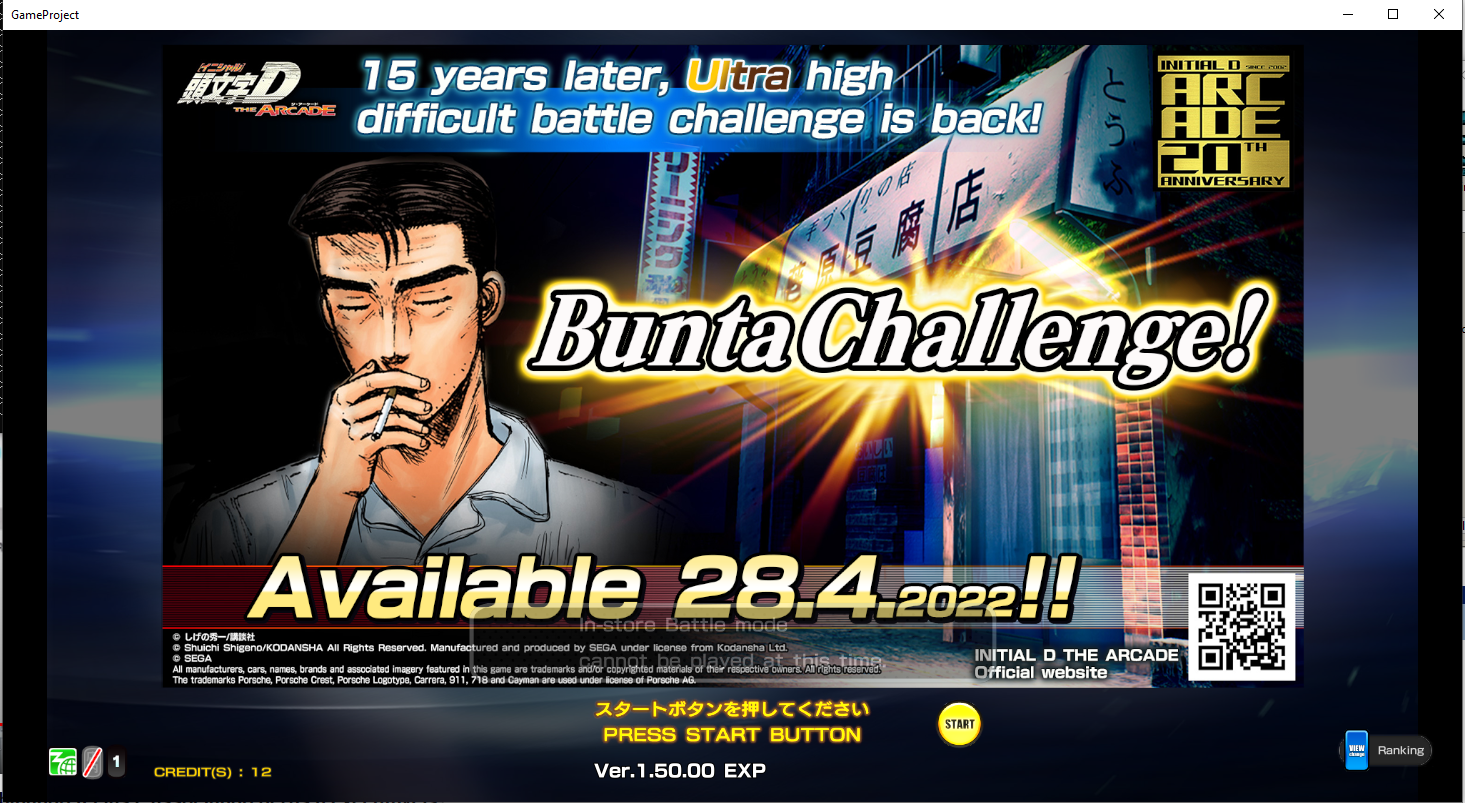
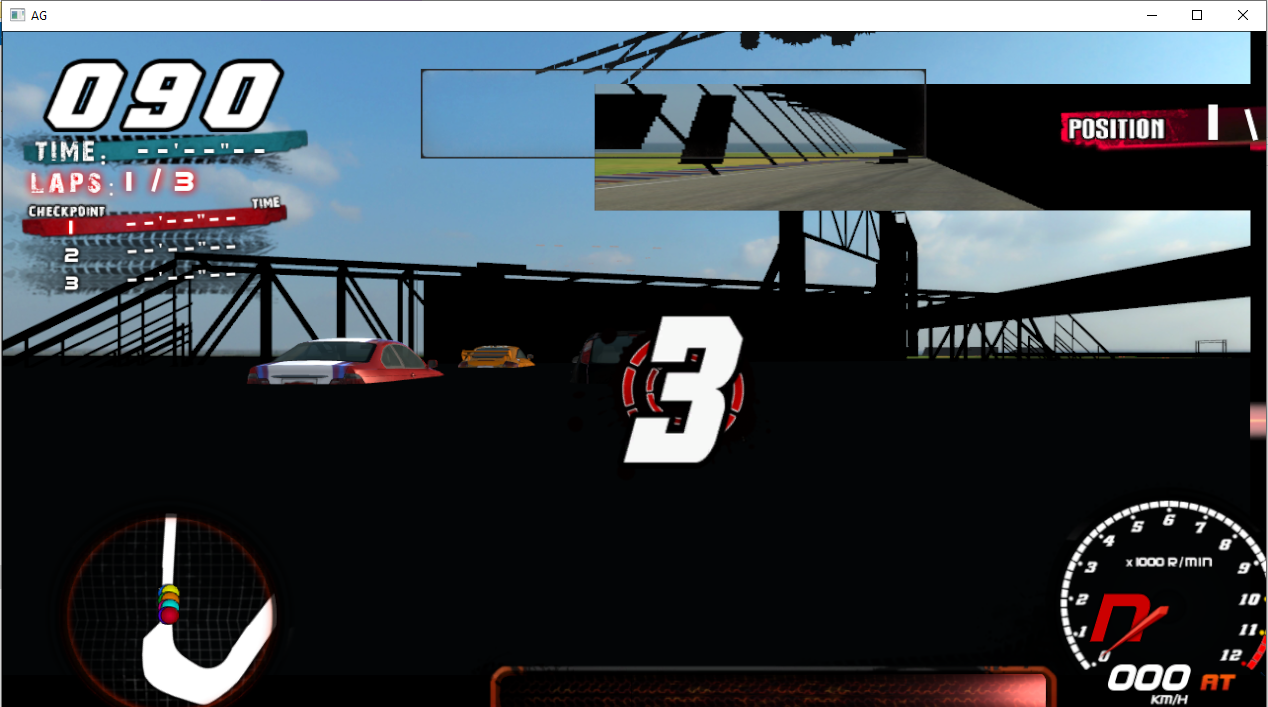
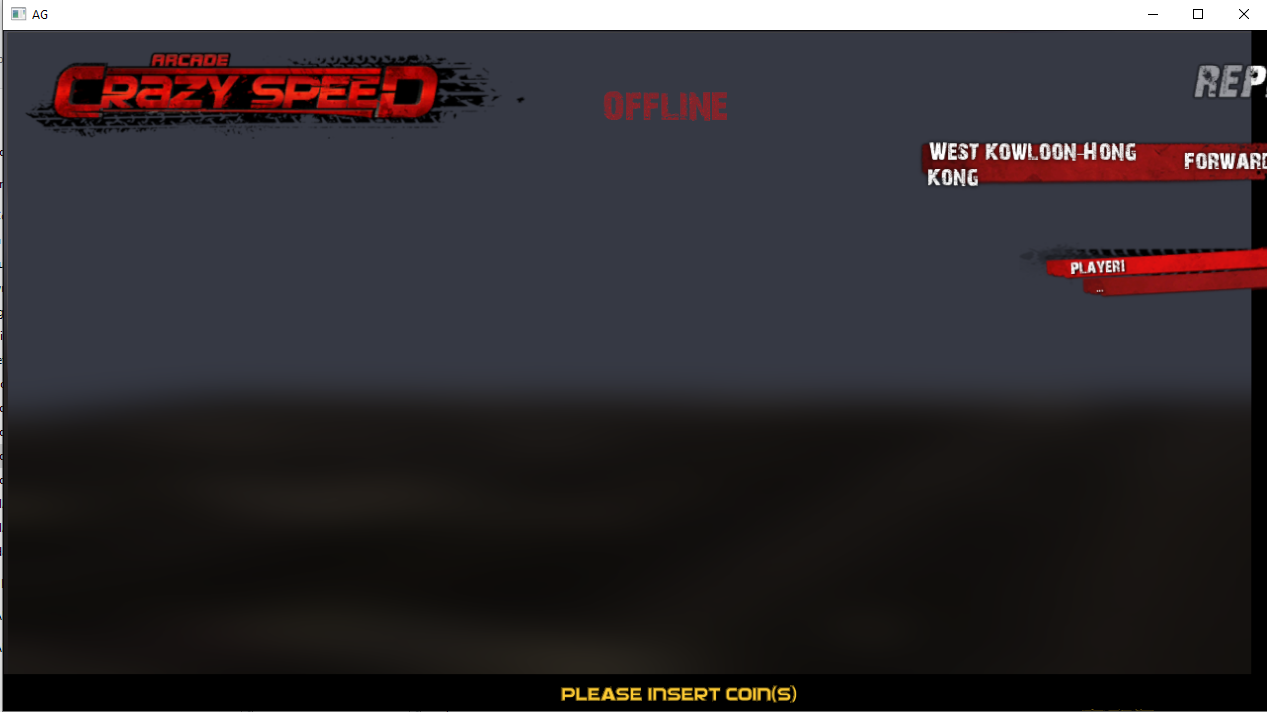
[DUMPS] Dumps disponibles en miroir / Mirror: Many dumps availables!
dans ARCADE PC DUMP LOADER
Posté(e)
Initial D THE ARCADE SDGT 2.40.00
https://pixeldrain.com/u/ULbkenb4
Initial D THE ARCADE SDGT 2.50.00
https://pixeldrain.com/u/AHgnMX2a